

Overview
This guide walks you through creating a Contextual Cohort in the Permutive Dashboard. Contextual Cohorts enable you to target ads based on page content without processing user data.Prerequisites:
- Access to the Permutive Dashboard with cohort creation permissions
- Contextual Cohorts enabled in your account
- For Affinity Cohorts: Custom Cohorts created with sufficient consented user engagement data
- Contextual API implemented on your website OR Permutive SDK deployed (the SDK can segment contextual cohorts automatically without direct API implementation)
Steps
1
Navigate to Contextual
In the Permutive Dashboard, go to Contextual and click + Add Cohort.
2
Name your cohort
Give your cohort a descriptive name and optional description.
3
Select a predicate type
Choose from:
- Content Classifications: Use NLP-generated classifications
- Page Properties: Use editorial tags or custom metadata
- Affinity Cohort: Target content with high engagement from a specific Custom Cohort
- Keyword Explorer: Get AI-powered keyword recommendations for interest-based targeting
4
Configure your targeting rules
Based on the predicate type (see sections below for detailed instructions).
5
Add additional conditions
Use +AND or +OR to add additional conditions and build complex logic.
6
Preview reach
Preview the estimated pageview reach (if available).
7
Save
Click Save to create the cohort.
Predicate Types
Show Using Content Classifications
Show Using Content Classifications
Content Classifications allow you to target based on automated NLP analysis of your content.To use Content Classifications in a cohort: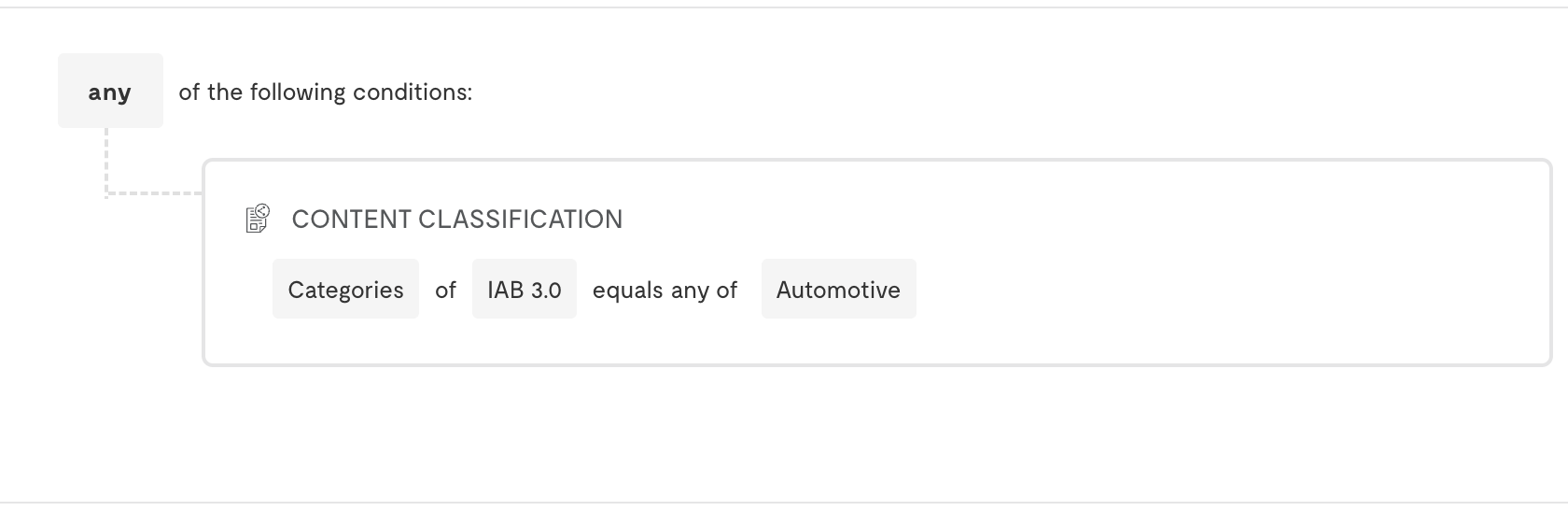
- Select Content Classifications as your predicate type
- Select a Dimension Type:
- Categories: Topic classifications (requires taxonomy selection)
- Concepts: Key themes
- Entities: Named entities
- Keywords: Important terms
- Sentiment: Emotional tone
- Emotion: Specific emotions
- For Categories, select the Taxonomy (e.g., IAB 2.0, IAB 3.0, BVDW)
- Choose an Operator (e.g., “is”, “contains”)
- Enter or select your target Value
- Dimension: Sentiment
- Operator: is
- Value: positive
- AND Category (IAB 2.0): Sports > Soccer
Show Using Page Properties
Show Using Page Properties
Page Properties allow you to target based on editorial metadata and custom content attributes.To use Page Properties in a cohort: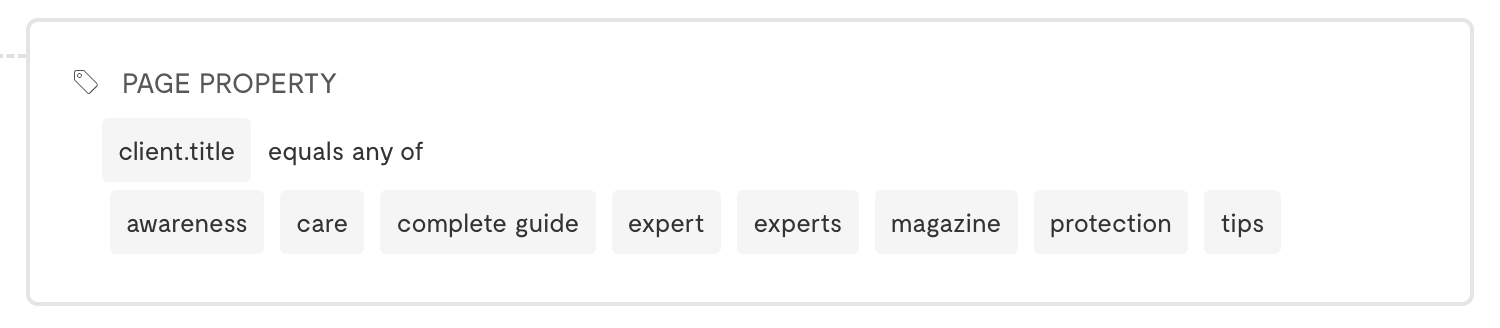
- Select Page Properties as your predicate type
- Choose a property from the dropdown (e.g.,
client.section,client.author, custom properties) - Select an operator (e.g., “is”, “contains”, “is not”)
- Enter the target value
- Property:
client.section - Operator: is
- Value: Finance
- AND Property:
client.tags - Operator: contains
- Value: investment
Available Page PropertiesThe Page Properties dropdown includes custom Pageview properties you’ve defined and standard client properties. If you are implementing the Contextual API directly, you must pass these properties to the API for them to be available for targeting. If the SDK is making the call, it will automatically attach page properties.Note that enriched properties like ISP and Geo data are not available in Page Properties for Contextual Cohorts.
Show Using Affinity Cohorts
Show Using Affinity Cohorts
Affinity Cohorts enable you to target content that shows high engagement from a specific Custom Cohort.To use Affinity Cohorts: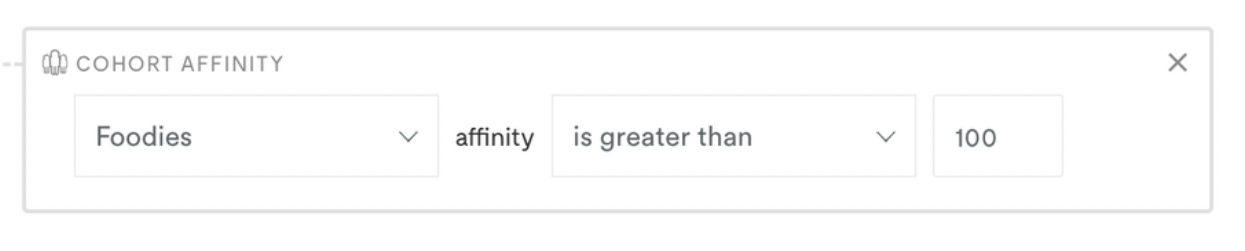
- Select Affinity Cohort as your predicate type
- Choose a Custom Cohort from the dropdown
- Select an Operator (e.g., “is greater than”)
- Set an Affinity Score threshold
- Custom Cohort: Sports Enthusiasts
- Operator: is greater than
- Value: 200
Affinity Cohort RestrictionsYou can select any Custom Cohort built from first-party behavioral data. However, you cannot select:
- Modeled cohorts
- Standard cohorts
- Cohorts using third-party data
Combining Multiple Conditions
Contextual Cohorts support complex logic by combining multiple predicates:- Use +AND to require all conditions to be met
- Use +OR to create alternative paths for targeting
- Content Classification: Categories (IAB 2.0) is “Finance”
- OR Affinity Cohort: Investor Cohort is greater than 150
- Content Classification: Categories (IAB 2.0) is “Sports > Soccer”
- AND Content Classification: Sentiment is “positive”
- AND Page Properties: client.section is “Sports”
Next Steps
Using Keyword Explorer
Get AI-powered keyword recommendations
Back to Contextual Cohorts
Return to product overview