

Overview
This guide shows you how to view and manage your Classification Models and Cohorts in the Permutive Dashboard.Prerequisites:
- Access to the Permutive Dashboard
- At least one Classification Model created
Viewing Your Models and Cohorts
Classification Models are shown together with Lookalike Models on the Models page, under the Modeled Cohorts section in the dashboard. The Type column specifies whether a model is a Classification or Lookalike model.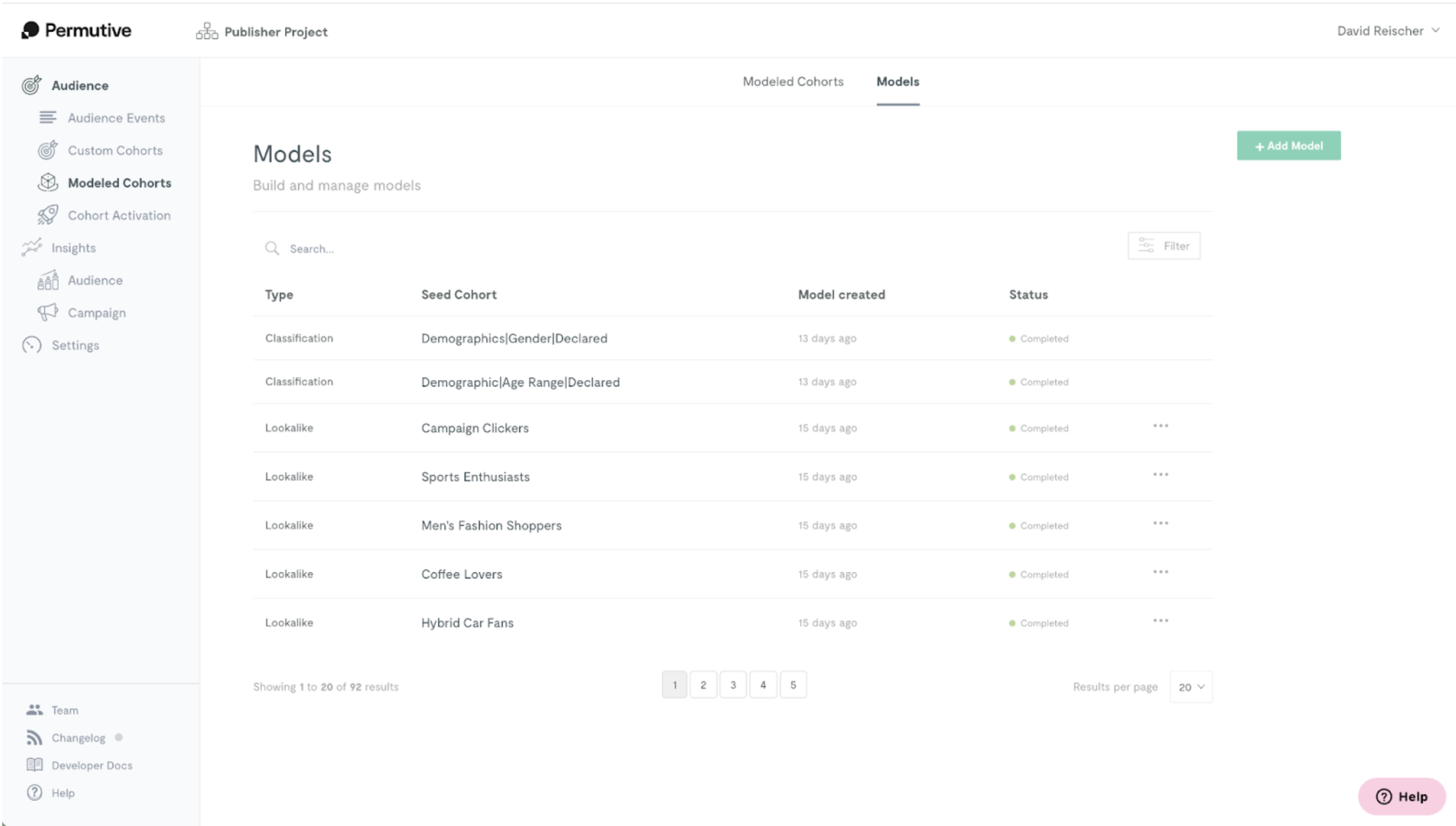
Filtering by Model Type
You can filter by model type by clicking on the “Filter” button in the top right. To return to viewing all models, click on Clear.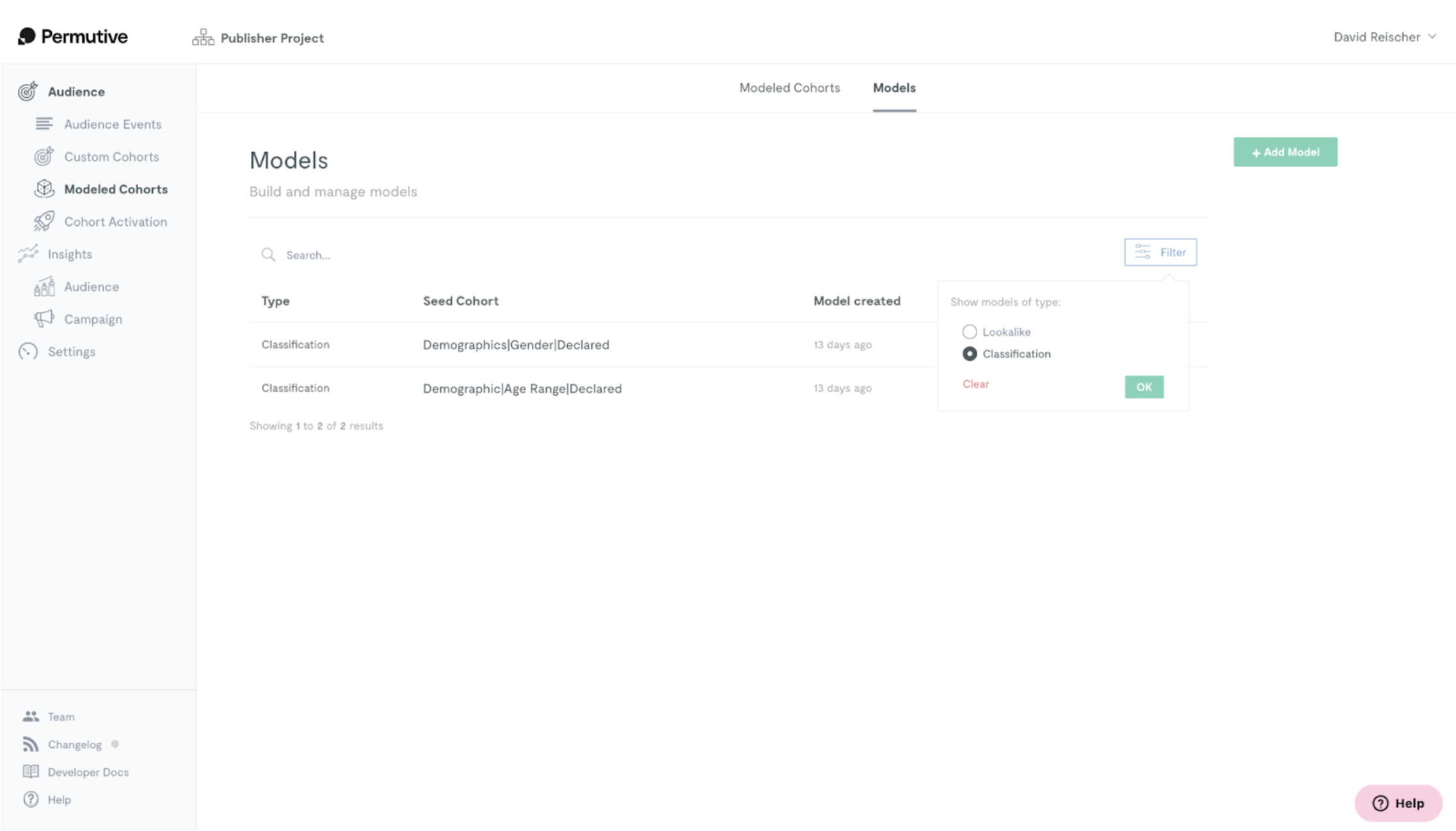
Next Steps
Creating Classification Models
Create a new model
Back to Classification Cohorts
Return to product overview