

The Permutive MCP server is in a testing phase with partnering customers.
Access is invitation-only and the tool interfaces may change. If you would like
access, please contact your Permutive representative.
Scenario
A campaign has finished, and the advertiser wants to know how it went. Normally, you would export the campaign’s delivery from Google Ad Manager, work out in a spreadsheet what drove performance, and copy the figures into your branded post-campaign template by hand.How the Permutive MCP server powers the agent
With the Permutive MCP server, your agent is able to automate this by:- Pull a campaign’s full results — delivery, CTR and viewability from Google Ad Manager, broken down by day, line item and targeted cohort
- Explain what drove performance — the agent compares the targeted cohort and each line item against the campaign average, so you can see what made the difference
- Produce client-ready output — following a skill, the agent fills your branded slide template and checks the figures reconcile before it does
Skill: Post Campaign Report
For this scenario, we generated a custompermutive-post-campaign-report skill. It tells the agent to:
- Gather the campaign’s results — delivery, CTR and viewability, broken down by day, line item and targeted cohort
- Check the figures reconcile — daily and line-item totals must match the campaign total before anything goes on the slide
- Fill the branded template — headline figures, weekly delivery and CTR, line items and the targeted audience, laid out on one slide
- Say what the data can’t support — such as missing cost data, or comparisons that are derived rather than measured
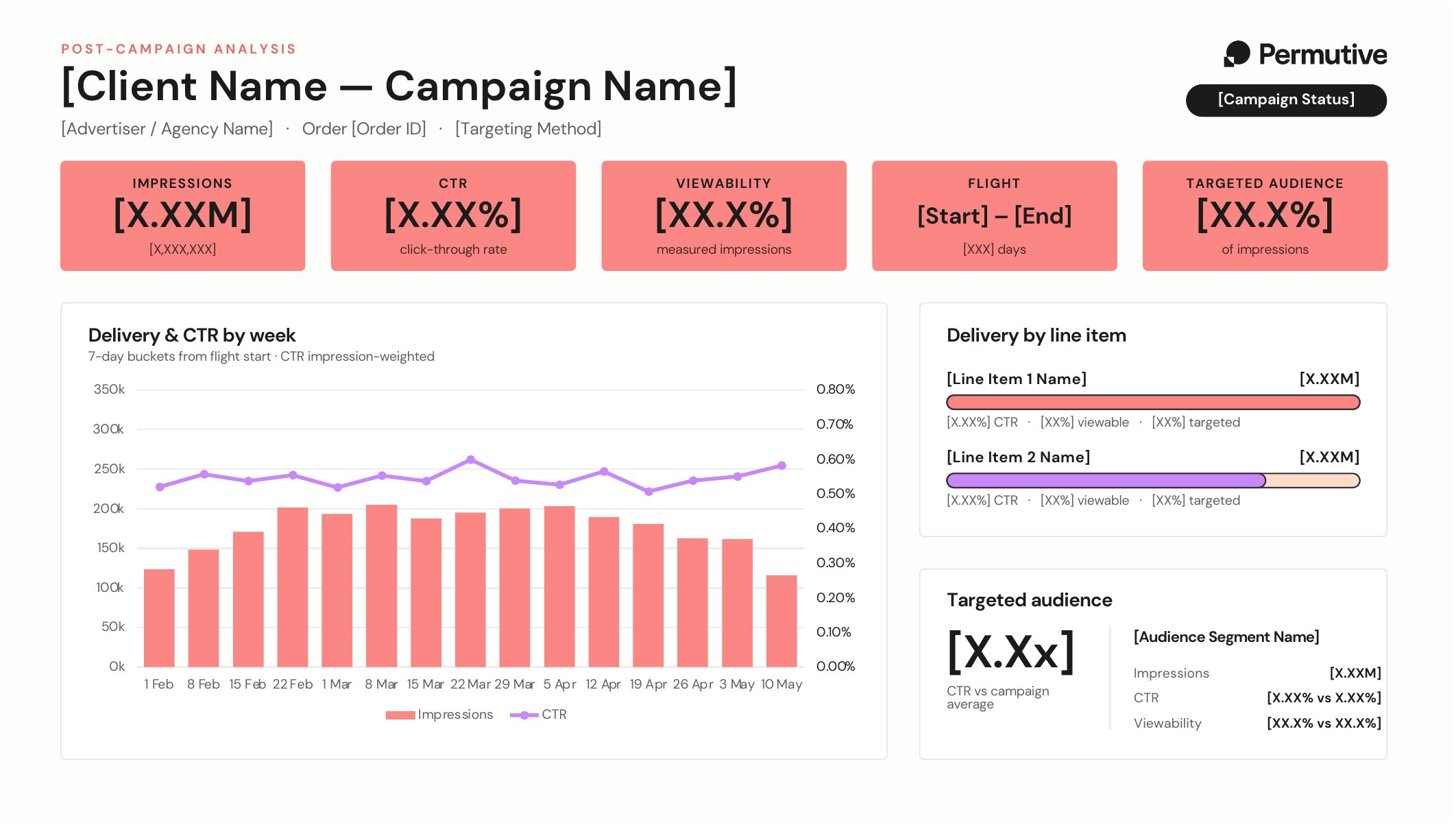
The slide template the skill fills in
About Skills
About Skills
Skills are instructions for your agent that are written once and can then be
shared across your team. They make sure the same job is done the same way every time.Build skills by writing your own instructions, or by asking an agent to write them for you.
Skills can also include code which allows the agent to do more complicated tasks, such
as generating a slide deck or spreadsheet, or checking that figures reconcile before they are reported.Skills can be used in the following agents:
Example conversation
Tips
- Ask for the summary first: Going through the figures in conversation before generating the slide means anything surprising is explained before it reaches the client.